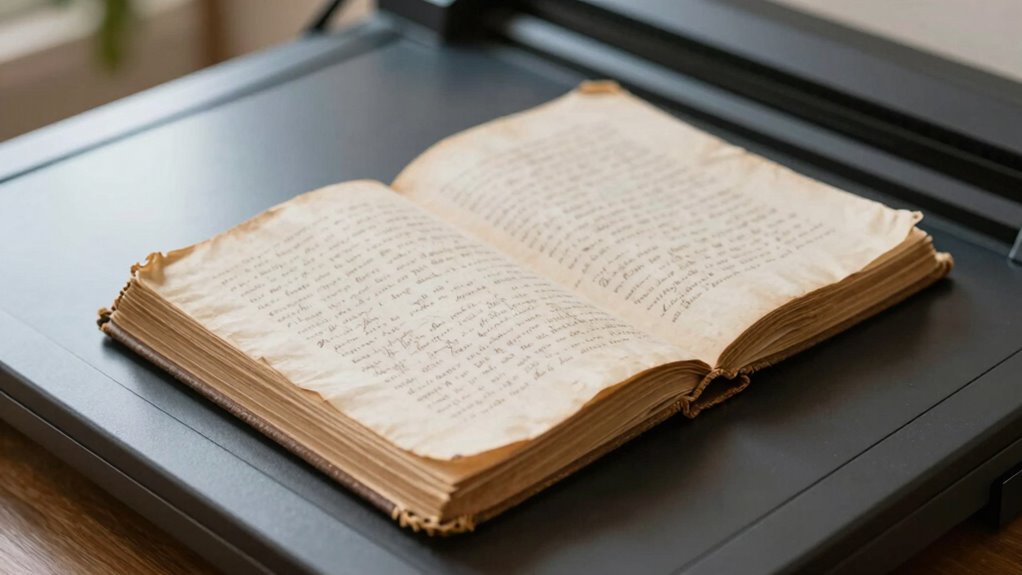

To safely scan fragile books, use specialized equipment like book scanners with cradles or V-shaped supports to avoid damaging the spine. Handle pages gently with clean, dry hands or gloves, and support delicate pages with acid-free materials. Set your scanner to high resolution for quality images without risking heat or brightness damage. Store the original carefully afterward, and organize digital files with proper metadata. Keep exploring to discover detailed tips for preserving and digitizing your fragile collection effectively.

Get art and craft supplies delivered free with Prime
- Fast, free delivery on millions of items
- Prime Video, Amazon Music and more included
- Member-only deals all year
Key Takeaways
- Use specialized book scanners with cradles or V-shaped supports to minimize pressure on fragile pages.
- Handle pages gently with clean, dry hands or gloves to prevent tears and damage.
- Capture high-resolution images with proper lighting to ensure clarity without risking heat or brightness damage.
- Support book spines with acid-free materials and turn pages slowly to preserve integrity.
- Store original books properly post-scanning in cool, dry, and low-light conditions to prolong preservation.
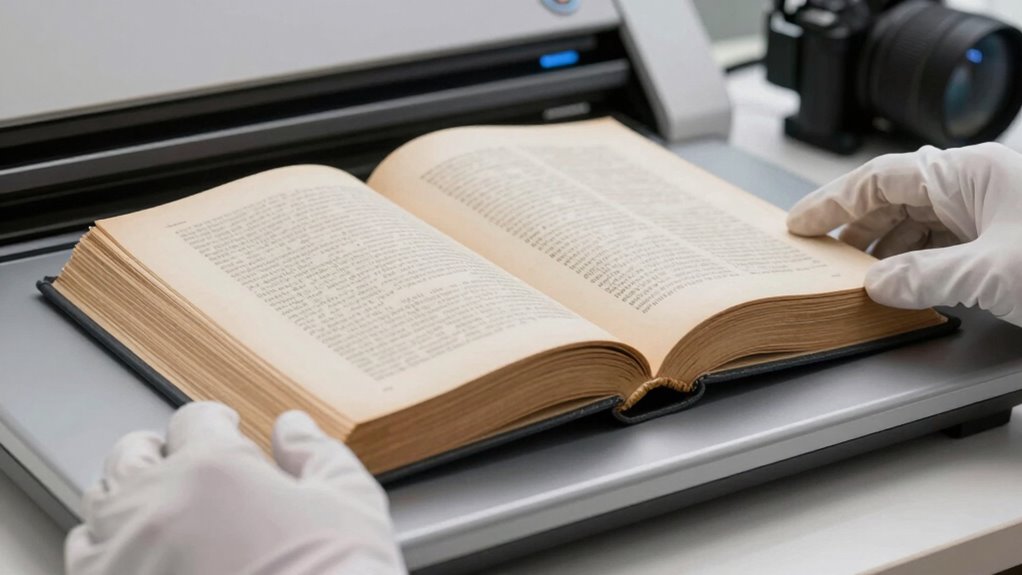
Have you ever wondered how to digitize fragile books without causing damage? If you’re looking to preserve rare or delicate texts while making them accessible online, understanding proper preservation techniques is vital. Digital archiving offers a way to save these treasures without risking deterioration from frequent handling or improper storage. The key is to approach the process carefully, prioritizing the safety of the original material while creating high-quality digital copies.
First, you need to choose the right equipment. A flatbed scanner with a glass surface may seem like a straightforward option, but it’s often too harsh for fragile books. Instead, consider specialized book scanners designed for delicate materials. These devices typically use a cradle or V-shaped support that minimizes pressure on the spine and pages. Light sources are also essential—look for scanners with adjustable, gentle lighting to prevent damage from heat or excessive brightness. When setting up, make sure your workspace is stable, dust-free, and protected from static, which could harm the pages or the device.
Next, familiarize yourself with preservation techniques that reduce physical stress. Support your book’s spine with soft, acid-free materials, and handle pages with clean, dry hands or gloves. Turn pages slowly and carefully, avoiding force, to prevent tears or creases. For extremely fragile books, consider using a transparent, acid-free sheet or a thin piece of archival paper to support the page during scanning. These steps help maintain the book’s integrity throughout the process. Additionally, understanding the importance of color accuracy in reproducing images ensures that digital copies reflect the true appearance of the original texts. Incorporating proper handling techniques can further minimize the risk of damage while working with delicate materials.
Digital archiving isn’t just about capturing images; it’s about creating a sustainable record that can be accessed long-term. Use high-resolution settings to ensure clarity, but balance this with file size considerations. Save copies in multiple formats—such as TIFF for master files and JPEG or PDF for easier access—to safeguard against data loss. Organize your digital files logically, including metadata like author, title, and date, to facilitate future retrieval.
Finally, after digitization, store the original books in appropriate conditions—cool, dry, and away from direct light—to slow deterioration. Proper preservation techniques combined with careful handling during scanning will ensure the longevity of these fragile items. By embracing digital archiving methods, you not only protect these precious books but also make their knowledge accessible for generations to come. The process might be meticulous, but it’s a worthwhile investment in preserving history without risking damage.
Products Worth Considering

Garmin Venu 3 Fitness Smartwatch, 45 mm, Black

Therabody SmartGoggles 2nd Gen Heated Eye and Temple Massager

GoPro MAX2 Waterproof 360 and Traditional Action Camera with Touch Screen
As an affiliate, we earn on qualifying purchases.
Frequently Asked Questions
What Equipment Is Best for Scanning Fragile Books?
You should use a flatbed scanner with a gentle, adjustable lid or a specialized book scanner designed for fragile materials. These tools support digital preservation by minimizing handling and stress on delicate pages. Archival techniques recommend using UV-filtered lighting and acid-free backing to safeguard the book’s integrity. Opt for equipment with high resolution and gentle glass to guarantee clear scans without damaging the fragile pages.
How Do I Prevent Damage During Scanning?
Think of your fragile book as a delicate butterfly. To prevent damage during scanning, use gentle handling techniques like supporting pages with a soft, flat surface, and avoid forcing open the binding. Employ preservation methods such as minimal contact and slow, careful movements. This approach reduces stress on the pages, ensuring you preserve the book’s integrity while capturing quality scans. Your careful handling keeps the book safe and beautifully intact.
Can I Scan Entire Pages Without Stress?
Yes, you can scan entire pages without stress by using digital preservation techniques and proper archival methods. Opt for a gentle, wide-bed scanner or a specialized book scanner designed for fragile materials. These tools help distribute pressure evenly, preventing damage. Handle pages carefully, and use appropriate support to maintain the book’s integrity. This approach guarantees your digital preservation efforts are effective, safe, and respectful of the book’s delicate condition.
How Long Does the Scanning Process Typically Take?
The scanning process typically takes anywhere from minutes to hours, depending on the book’s fragility and your patience for digital archiving. Imagine gently cradling a delicate butterfly, each page a fragile wing needing careful preservation. For book preservation and digital archiving, plan for a slow dance with your device—meticulous, cautious, and unhurried. Rushing risks damage, but patience guarantees your treasured pages are preserved for generations to come.
Should I Seek Professional Help for Fragile Book Scanning?
You should consider seeking professional help for fragile book scanning, especially if your book requires specialized restoration techniques and preservation methods. Professionals have the expertise to handle delicate materials carefully, ensuring minimal damage during scanning. They use advanced tools and techniques to preserve the book’s integrity, reducing the risk of further deterioration. Investing in expert assistance guarantees that your fragile book is preserved accurately and safely for future research and enjoyment.
Conclusion
By mastering these scanning techniques, you’re turning fragile books into resilient treasures, safeguarding their stories like a skilled guardian. Think of each careful scan as a gentle dance—preserving history without causing harm. With patience and the right approach, you transform a formidable task into a simple, almost effortless routine. So, embrace these tips and become the hero who keeps the past alive, one delicate page at a time, like a lighthouse guiding ships through stormy seas.